
Welcome, tech enthusiasts, to the ultimate guide for building a powerhouse RTX 4090 workstation in 2024! The NVIDIA RTX 4090, with its staggering CUDA core count and impressive memory bandwidth, is revolutionizing professional graphics cards and setting new standards for workstation components. Whether you’re into 3D rendering, 4K video editing, data science, CAD work, or scientific computing, this guide will help you harness the jaw-dropping power of the RTX 4090 in a custom build that’ll make your colleagues green with envy. Let’s dive into the world of high-performance PC builds and create a workstation that’s as reliable as it is powerful!
Decoding the RTX 4090 Specs: The Heart of Your Workstation
 Before we start our build, let’s take a moment to appreciate the beast at the center of it all – the NVIDIA RTX 4090. Here’s a quick rundown of its impressive specs:
| Feature | Specification |
|---|---|
| CUDA Cores | 16,384 |
| Boost Clock | 2.52 GHz |
| Memory | 24 GB GDDR6X |
| Memory Bandwidth | 1,008 GB/s |
| TDP | 450W |
With these specs, the RTX 4090 delivers unparalleled GPU acceleration in applications, making it ideal for workstations focused on 3D rendering, machine learning, or CAD work. When comparing the RTX 4090 vs Quadro, you’ll find that for many professional workflows, the 4090 offers similar or better performance at a more competitive price point.
Choosing the Best CPU for RTX 4090: Balancing Power and Efficiency
 When it comes to selecting the best CPU for RTX 4090 builds, we need to consider both raw performance and efficiency. Let’s compare some top contenders:
| CPU Model | Cores/Threads | Base Clock | Boost Clock | TDP |
|---|---|---|---|---|
| Intel Core i9-13900K | 24 (8P+16E) / 32 | 3.0 GHz | 5.8 GHz | 125W |
| AMD Ryzen 9 7950X | 16 / 32 | 4.5 GHz | 5.7 GHz | 170W |
| AMD Threadripper Pro 5995WX | 64 / 128 | 2.7 GHz | 4.5 GHz | 280W |
| Intel Xeon W-3375 | 38 / 76 | 2.5 GHz | 4.0 GHz | 270W |
For most users, the Intel Core i9-13900K or AMD Ryzen 9 7950X will provide excellent performance without breaking the bank. However, if you’re building a workstation for heavy multitasking or CPU-intensive tasks like scientific computing or complex simulations, consider the Threadripper vs Xeon debate. These high-end CPUs offer massive core counts and support for ECC memory, enhancing workstation reliability.
Motherboard Selection: The Foundation of Your RTX 4090 Powerhouse
 Choosing the right motherboard is crucial for your RTX 4090 workstation. Look for boards with robust VRMs, multiple PCIe 5.0 slots (for future-proofing), and ample M.2 slots for NVMe SSD performance. While the RTX 4090 uses PCIe 4.0, having PCIe 5.0 motherboards ensures you’re ready for future upgrades.
Consider these features for optimal workstation performance:
- Support for high-speed DDR5 RAM
- Thunderbolt 4 connectivity for fast external devices
- Multiple M.2 slots for NVMe SSDs
- Robust power delivery for stable overclocking
- High-quality audio codec for clear sound
Memory and Storage: Fueling Your RTX 4090 Beast
 For a high-performance PC build centered around the RTX 4090, don’t skimp on RAM. Opt for DDR5 RAM for workstations, starting with at least 32GB but consider 64GB or even 128GB for demanding workflows. The higher bandwidth of DDR5 complements the RTX 4090’s impressive memory bandwidth, ensuring your system can handle complex tasks with ease.
As for storage, NVMe SSD performance is key. Start with a PCIe 4.0 NVMe drive for your OS and applications, then add additional drives as needed. Here’s a suggested storage configuration:
- 2TB PCIe 4.0 NVMe SSD (OS and applications)
- 4TB PCIe 4.0 NVMe SSD (Active projects)
- 8TB SATA SSD (Data storage)
- 16TB HDD (Archival and backups)
Consider implementing a RAID configuration for workstations to enhance data security or performance. The choice between M.2 vs U.2 storage will depend on your motherboard’s capabilities and your specific needs.
Power Supply: Meeting RTX 4090 Power Consumption Demands
 The RTX 4090’s power consumption is no joke, with a TDP of 450W. When you factor in a high-end CPU and other components, your total system draw could easily exceed 850W under load. To meet these workstation power supply requirements, aim for a 1000W PSU at minimum, with 1200W or 1300W providing more headroom for overclocking and future upgrades.
Look for 80 Plus Platinum or Titanium certification for maximum efficiency. The RTX 4090 power connector is a new 12-pin design, so ensure your PSU is compatible or comes with the necessary adapter.
Cooling Solutions: Taming the RTX 4090’s Heat Output
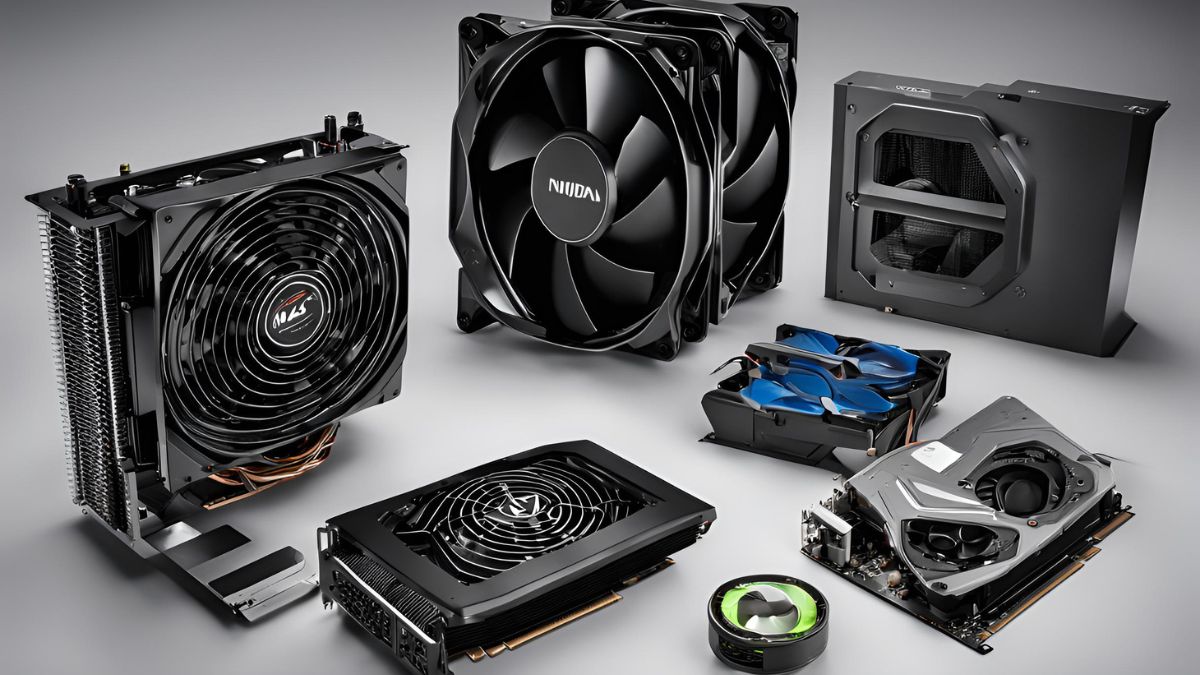 Effective GPU cooling solutions are crucial for maintaining optimal RTX 4090 temperature management. While the stock cooler is impressive, aftermarket options can provide even better cooling and noise reduction.
For the CPU, consider an All-In-One (AIO) liquid cooling solution, especially if you’re planning on overclocking. A 360mm radiator will provide ample cooling for even the most powerful CPUs.
Workstation airflow optimization is key to keeping your entire system cool. Aim for positive pressure with more intake than exhaust fans. Here’s a suggested fan configuration for a full tower case:
| Position | Fan Size | Type | Quantity |
|---|---|---|---|
| Front | 140mm | Intake | 3 |
| Top | 140mm | Exhaust | 2-3 |
| Rear | 140mm | Exhaust | 1 |
| Bottom | 140mm | Intake | 2 |
Don’t forget about workstation dust management – use filters on all intake fans to keep your system clean and running efficiently.
Case Selection: Housing Your RTX 4090 Workstation
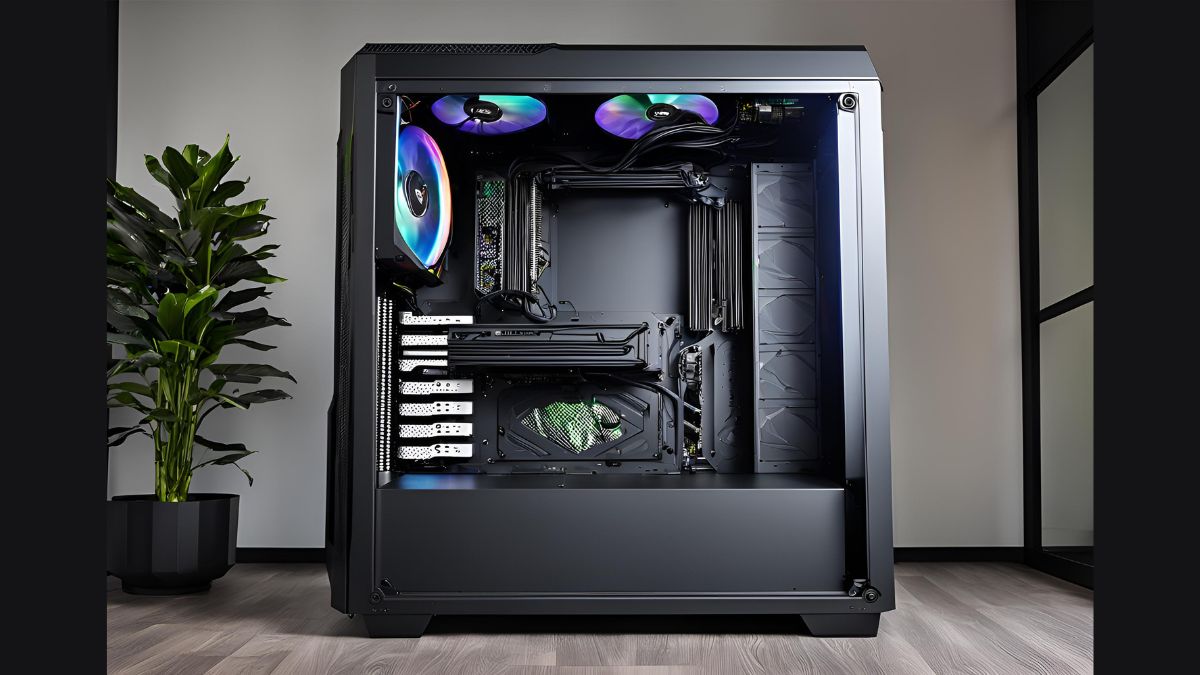 When it comes to cases, bigger is often better for high-performance builds. A full tower case offers ample space for components, superior airflow, and room for future upgrades. Look for these full tower case features:
- Support for E-ATX motherboards
- Multiple radiator mounting points for liquid cooling
- Ample drive bays for storage expansion
- Tool-less design for easy component access
- Effective cable management solutions
Remember, good workstation cable management isn’t just about aesthetics – it improves airflow and overall system performance.
Optimizing Your RTX 4090 Workstation for Peak Performance
 Now that we’ve built our powerhouse, let’s squeeze every ounce of performance out of it:
1. BIOS Tweaks:
- Enable XMP/DOCP for RAM
- Adjust CPU power limits (if cooling allows)
- Fine-tune fan curves for optimal cooling and noise reduction
2. Overclocking:
While the RTX 4090 is a beast out of the box, careful overclocking can yield even more performance. Use tools like MSI Afterburner for GPU overclocking, and don’t forget about CPU overclocking if your cooling solution allows.
3. Driver Optimization:
Keep your RTX 4090 drivers up to date. For professional workflows, consider NVIDIA Studio Drivers for optimized performance in creative applications.
4. Benchmarking and Stress Testing:
Use a combination of synthetic benchmarks and real-world tests to ensure your system is performing as expected. Some recommended tools include:
- 3DMark for overall system and GPU performance
- Cinebench for CPU benchmarking
- AIDA64 for system stability and stress testing
5. Workstation Ergonomics and Setup:
Don’t forget about your work environment! Invest in a quality monitor (or multiple monitors) that can showcase the RTX 4090’s capabilities. Consider workstation color calibration for accurate visual output, especially for color-critical work.
Advanced Considerations for Specialized Workloads
1. Multi-GPU Setups:
While traditional SLI is no longer supported, certain workflows can benefit from multiple GPUs. The RTX 4090 supports NVLink for specific professional applications.
2. GPU Passthrough for VMs:
For users running virtual machines, GPU passthrough can allow a VM to directly access the RTX 4090’s power, ideal for segregated workflows or testing environments.
3. Linux Compatibility:
The RTX 4090 offers excellent Linux compatibility, making it a solid choice for open-source enthusiasts and developers.
Conclusion
Building a workstation around the NVIDIA RTX 4090 is an exercise in harnessing cutting-edge technology. From its impressive CUDA core count to its massive memory bandwidth, the RTX 4090 stands ready to tackle the most demanding tasks in 3D rendering, 4K video editing, machine learning, and beyond.
Remember, a truly great workstation is more than the sum of its parts. It’s about creating a harmonious ecosystem where each component complements the others, allowing your RTX 4090 to truly shine. Whether you’re crafting complex 3D scenes, editing high-resolution video, crunching massive datasets, or pushing the boundaries of AI and machine learning, this beast of a build will have your back.
As you embark on your PC-building journey, keep in mind the best practices we’ve discussed. Prioritize cooling and airflow, don’t skimp on the power supply, and remember that careful cable management can impact both aesthetics and performance.
The world of high-performance computing is ever-evolving, and your RTX 4090 workstation is designed to evolve with it. With careful component selection and an eye towards upgradability, you’re not just building a PC – you’re investing in a platform that will keep you at the cutting edge of technology for years to come.
So, are you ready to unleash the power of the RTX 4090? Whether you’re a 3D artist, a data scientist, or a content creator, this workstation will be the ultimate tool in your creative arsenal. Happy building, and may your render times be short and your computations lightning-fast!

