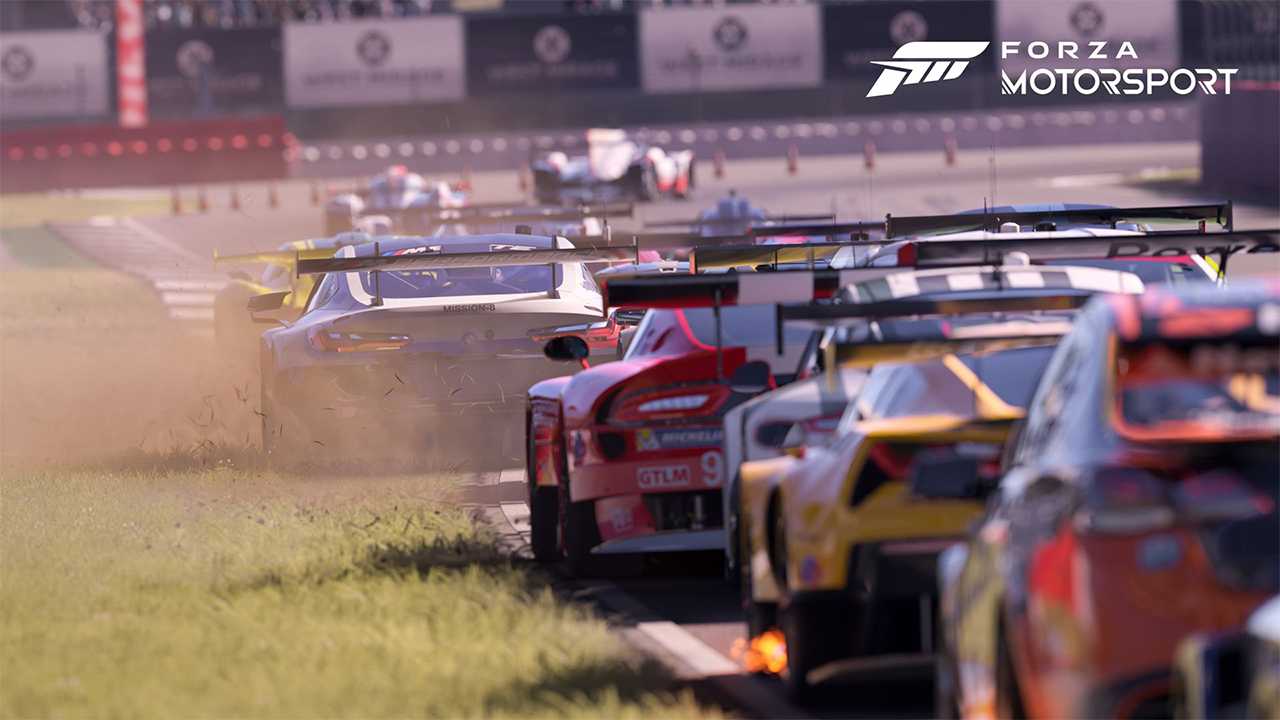
Forza Motorsport 8 is the latest addition to the highly successful Forza series. The game has gotten so much hype from the gaming community after its release. Players worldwide have been wondering about the best settings in Forza Motorsport 8. With over 500 car models in the game, this is one of the most significant racing games released.
Best Graphic Settings in Forza Motorsport 8
Graphics are a huge part of the latest additions to Forza Franchise, Forza Motorsport 8. As your specifications in the PC will power graphics, some players will not have the most potent specifications for playing the game. These are the best graphic settings for Forza Motorsport 8 for any PC,
The mentioned settings are for fullscreen mode with 1920×1080 pixels screen,
- Show framerate – Off
- Nvidia DLSS – Ultra Performance
- Dynamic render quality – Medium
- Performance target – 60 FPS
- Resolution scale – 100%
- Raytracing quality – Off
- RTAO Quality – Auto
- Shadow Quality – Low
- Image modifiers – 4x Anisotropic
- Car model quality – Medium
- Windshield reflection quality – Medium
- Mirror Quality – Low
- Car livery quality – Medium
- Track texture quality – Medium
- Particle effects quality – Low
- Motion blur quality – Medium
- Lens flare quality – 0
Best FFB Settings in Forza Motorsport 8
Force Feedback, commonly known as the FFB, is one of the vital settings you need to adjust that controls the intensity of the force feedback vibration. To pros of the game, you can turn these settings to the maximum. But if you are a newbie to the Forza Motorsport world, we recommend you try the following locations,
- Vibration – 70
- Force Feedback – 50
- Mechanical Trail Scale – 150-200
- Pneumatic Trial Scale – 100
When you get used to the game, players can always increase these settings to increase the intensity of the gameplay.
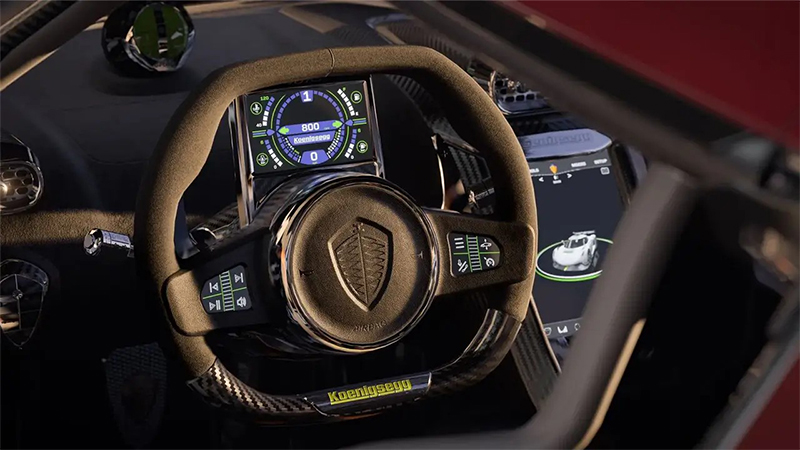
Image Source: Ten 10 Studios
Related:
Forza Motorsport Early Access and Release Date
Best Wheel Settings in Forza Motorsport 8
Having a wheel can massively impact the gameplay feel of Forza Motorsport 8. For a start, you can change the following settings, but feel free to drop down any locations if these feel overpowered,
- Shifting – Manual with Clutch
- Stability Control – Off
- Traction Control – Off
- Steering – Simulation
- Throttle – Unassisted
- Braking – ABS off
- Suggested lines – Off
- Global Assists Presets – Custom
Best Controller Settings in Forza Motorsport 8
The controller is the next option if you don’t have a racing simulator wheel. As the game is optimized initially for controller gameplay, you can tweak and change a little to have the best experience possible. Here are the best controller settings for Forza Motorsports 8,
- Steering Axis Deadzone Inside – 5
- Steering Axis Deadzoe Outside – 95
- Acceleration Axis Deadzone Inside – 0
- Acceleration Axis Deadzone Outside – 100
- Deceleration Axis Deadzone Inside – 0
- Deceleration Axis Deadzone Outside – 100
- Clutch Axis Deadzone Inside – 0
- Clutch Axis Deadzone Outside – 20
- Handbrake Axis Deadzone Inside – 100
- Handbrake Axis Deadzone Outside – 100
- Vibration Scale – 50
- Steering Self Alignment – 10
Watch the video below to learn about the best settings for Forza Motorsport 8.

