
1. RTX 4060 at 1440p: Making the Case
Let’s be real: The RTX 4060 is often championed as the undisputed 1080p value king, and for most traditional rasterization games, that’s absolutely true. However, that perspective misses the monumental shift that NVIDIA’s software features—specifically DLSS 3 with Frame Generation—have introduced for 1440p gaming. This GPU is perfectly capable of driving a high-refresh-rate 1440p monitor, but you need to be smart about your panel choice.
The entire strategy for getting fantastic 1440p performance on a budget boils down to this: Buy a fast 1440p monitor and let the GPU’s AI features handle the heavy lifting. Why stick to 1080p when you can have a crisper image and higher frames? If you need a refresher on the GPU’s performance baseline, check out our deep dive into the Radeon RX 7600 vs. GeForce RTX 4060, where the 4060’s feature set really shines.

How DLSS 3 with Frame Generation dramatically increases frame rates at 1440p, making high refresh rates achievable on the 4060.
2. The Top Budget 1440p Monitor: ASUS VG27AQ3A
After testing dozens of panels in the sub-$300 category (as detailed in our Budget 1440p Monitor Guide), the standout recommendation for a new RTX 4060 build is the ASUS TUF Gaming VG27AQ3A. This monitor provides the perfect synergy of speed, resolution, and price that your 4060 demands.
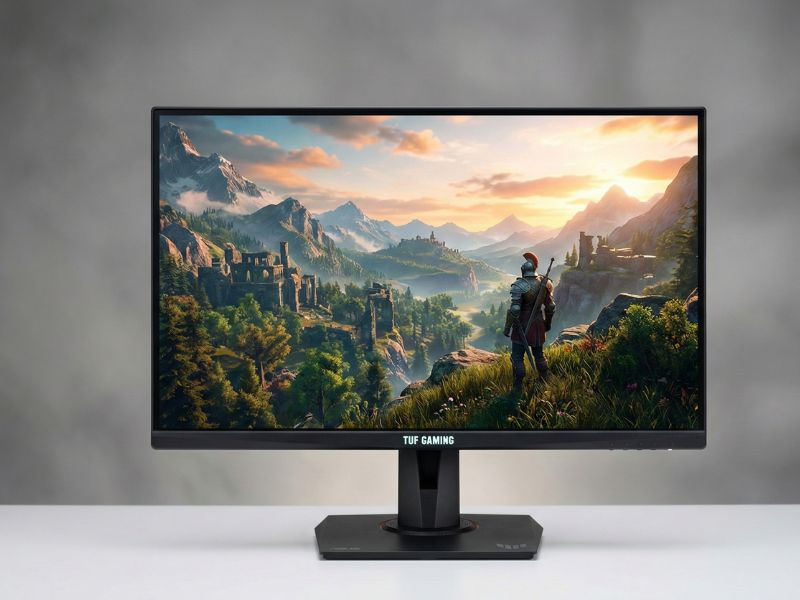
The ASUS VG27AQ3A’s Fast IPS panel offers excellent color accuracy and speed.
✅ Key Specs for the RTX 4060 Pairing:
- Panel Type: Fast IPS (Excellent color and speed, minimal ghosting).
- Resolution: 2560×1440 (QHD).
- Refresh Rate: 180Hz (Overclocked from 165Hz—a massive plus!).
- Response Time:1ms MPRT/GTG.
- Sync: ELMB Sync (Works with G-SYNC Compatible for tear-free, sharp gaming).
The 180Hz refresh rate is a game-changer for competitive titles like Valorant or Apex Legends, where the RTX 4060 can easily push these frame rates natively at 1440p. For AAA titles, DLSS 3 kicks in, allowing you to sustain frames near this 180Hz ceiling, which is something its direct competition often struggles to achieve while staying in the budget tier.
3. Optimizing Your GPU and Monitor
To truly get the most out of this pairing, follow these optimization steps:
- Enable G-SYNC Compatible: Use a DisplayPort 1.4 cable and ensure G-SYNC is enabled in the NVIDIA Control Panel to prevent screen tearing (Adaptive Sync).
- Prioritize DLSS/Frame Gen: In graphically demanding games, set your Upscaling option to DLSS Quality and ensure Frame Generation is enabled. This is how the 4060 bridges the gap from 1080p to high-refresh 1440p.
- Check Refresh Rate: Confirm that your display settings in Windows are set to the full 180Hz refresh rate. It won’t default to the maximum setting automatically.
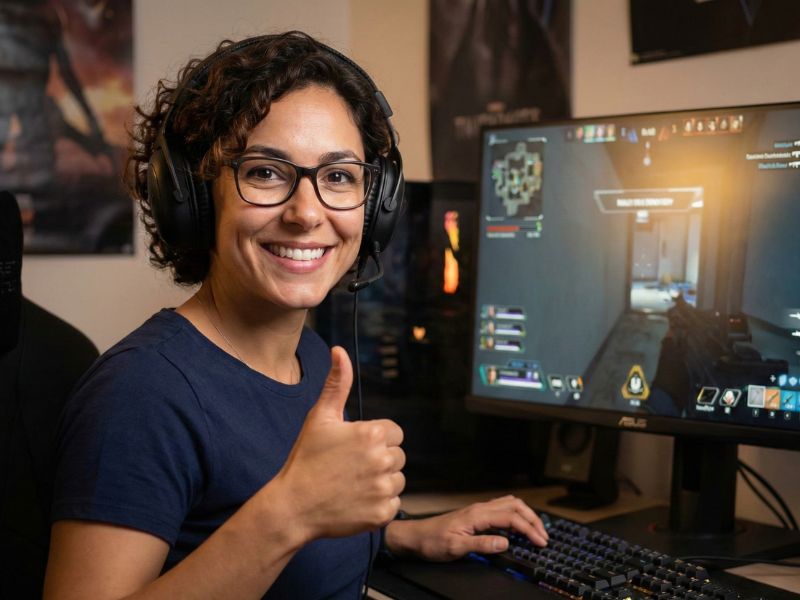
The ASUS VG27AQ3A’s Fast IPS panel offers excellent color accuracy and speed.
4. Frequently Asked Questions (FAQ)
Is the RTX 4060 good for 1440p gaming?
Yes, the RTX 4060 is capable of very smooth 1440p gaming, provided you utilize NVIDIA’s feature set. While it is fundamentally a 1080p champion, technologies like DLSS 3 with Frame Generation dramatically boost performance at 1440p, allowing you to easily hit high frame rates on a quality monitor. For competitive titles, it’s a great fit; for the latest AAA games, expect to leverage upscaling for the best experience.
What refresh rate is ideal for a budget 1440p monitor?
The ideal refresh rate is 144Hz to 180Hz. This range is the ‘sweet spot’ for budget 1440p gaming, balancing smooth gameplay with an affordable price point. Since the RTX 4060 can easily drive competitive games well past 144 FPS and use DLSS to hit those targets in demanding titles, pairing it with a 144Hz or 165Hz monitor ensures you reap the full benefit of your GPU’s frame rate capabilities.
What is the most important feature in a budget gaming monitor?
Response time is the most crucial factor, ideally 1ms GTG (Gray-to-Gray). A low response time reduces motion blur, making fast-paced action clearer. Next, look for a Fast IPS panel, which offers superior color and viewing angles over older VA panels while maintaining a low response time, especially important for high-refresh-rate gaming.

