The Efficiency Paradox
Most gamers think “more power = more FPS.” I’ve spent years debunking this myth in the lab. Manufacturers ship cards with excessive voltage to ensure that even the lowest-quality silicon passes quality assurance. This means your card is likely burning 20-30 watts purely as waste heat.
Here is the paradox: by lowering power draw, you stop the card from hitting its thermal limit. A cooler card doesn’t throttle, meaning it sustains its boost clock longer. So, in many cases, using less power actually gives you more stable FPS. If you are struggling with heat, check my guide on how to fix GPU thermal throttling for the hardware side of this equation.
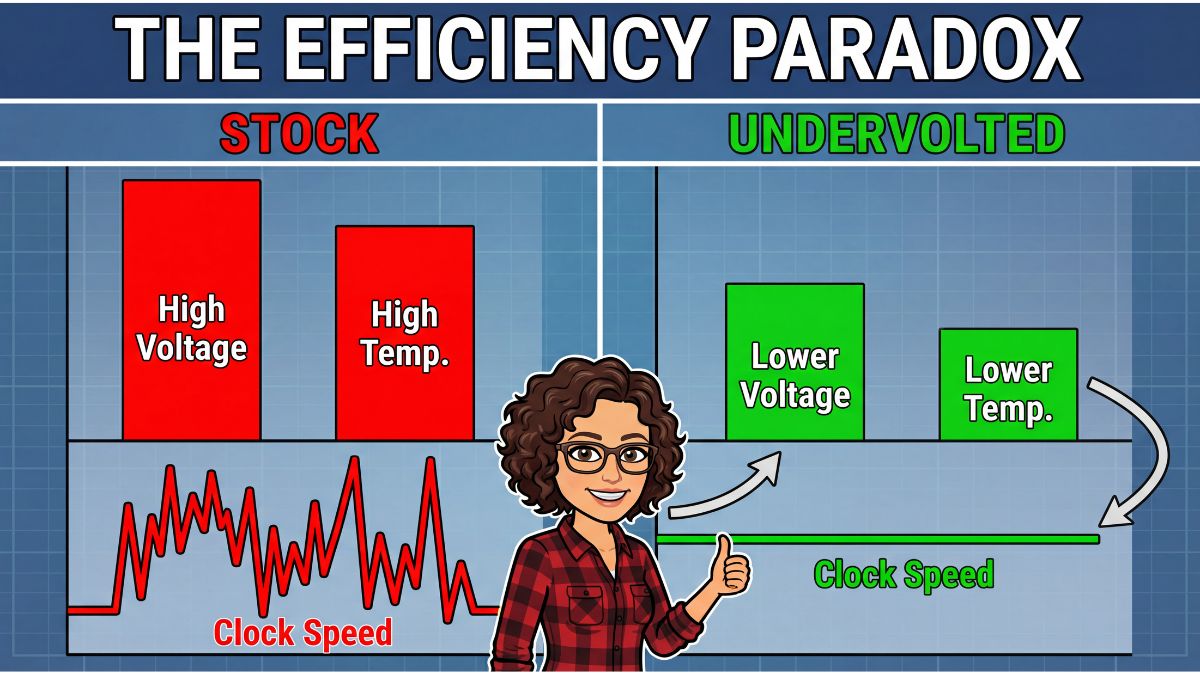
By flattening the voltage curve, we stop the card from panicking and throttling down.
Step 1: Surgical Undervolting
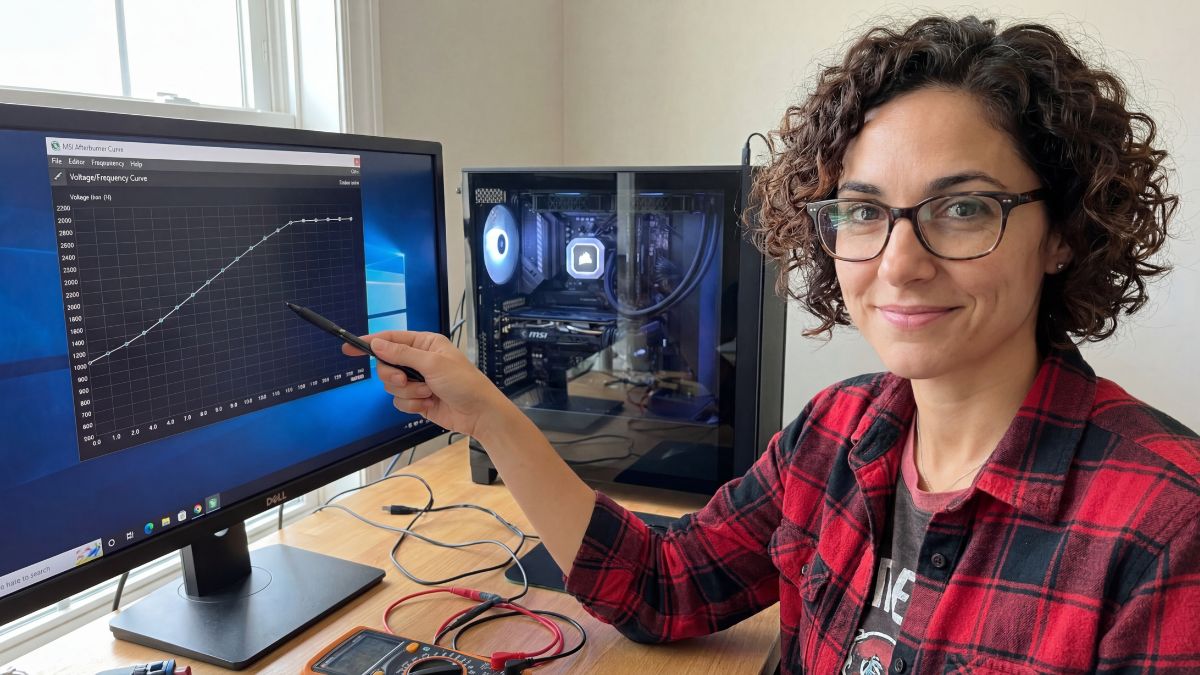
Don’t just drag the “Power Limit” slider down—that’s lazy and hurts performance. You want to use the Curve Editor in MSI Afterburner. The goal is to tell the GPU: “Instead of needing 1.1V to hit 1900MHz, try doing it at 0.950V.” It requires patience and testing, but the results are free performance. I wrote a specific walkthrough on this for AMD cards in my RX 6600 undervolting guide, but the logic applies to NVIDIA cards too.
Step 2: Cap Your Frames
If you have a 60Hz monitor, rendering 120 FPS is arguably useless. Your GPU is working overtime to draw frames you will never see. I recommend using RivaTuner Statistics Server (RTSS) to cap your frame rate exactly three frames below your monitor’s refresh rate (e.g., 57 FPS for a 60Hz screen) if you use G-Sync/FreeSync. This drastically drops power draw during menu screens and lighter scenes.
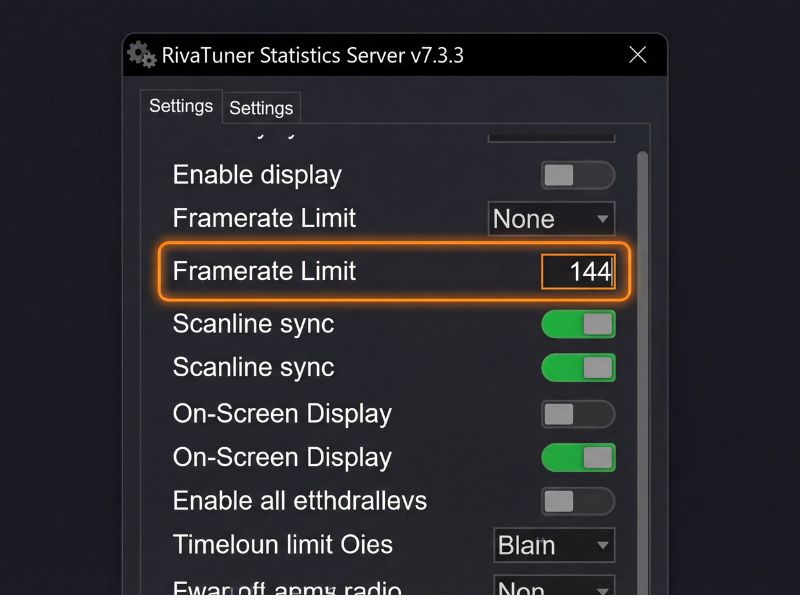
Rendering 200 FPS for a 60Hz monitor is the definition of wasted energy.
Step 3: Upscaling for Free
Finally, render fewer pixels. Using DLSS (Quality) or FSR (Quality) is essentially “free” efficiency. You are asking the GPU to do 30% less work for a visual difference most people can’t see while moving. Less work equals less power draw, plain and simple.

Silence is the sound of efficiency.
Efficiency FAQ
Will undervolting reduce my GPU’s lifespan?
No, quite the opposite. By feeding your GPU less voltage, you reduce electromigration and heat stress, which actually helps the silicon last longer.
Can I just lower the ‘Power Limit’ slider instead?
You can, but it’s a blunt instrument. Lowering the power limit just caps the wattage, which might force the card to downclock unnecessarily. Undervolting is a surgical approach that maintains high clocks at lower power.

