Quick Answer: For the frugal gamer, the highest-value option is a well-regarded, mid-to-high-end membrane keyboard with high-quality dome switches. While cheap mechanical keyboards offer the ‘click’ and ‘feel,’ their lowest-end switches often have poor quality control, inconsistent performance, and shorter lifespans than robust membrane alternatives. I recommend prioritizing a reliable membrane keyboard with anti-ghosting features and a low-latency connection for the best *pragmatic* performance and durability for your dollar.
The Pragmatist’s Dilemma: Cost vs. Performance
I’ve been analyzing hardware for over 15 years, and if there’s one thing that frustrates me, it’s unnecessary cost. The industry constantly pushes “mechanical” as the only viable option for gamers. But as a hardware analyst who loves efficiency, I had to ask: are the cheapest mechanical keyboards *truly* better than the best budget membrane options?
The answer is rarely a simple “yes.” When you shop at the rock-bottom end of the mechanical market, you’re not getting Cherry MX quality; you’re often getting heavily inconsistent clones like low-end Outemu or Gateron switches. This leads to issues like spring ping, inconsistent actuation force, and a shorter overall lifespan.
The frugal gamer needs to focus on **reliability** and **input latency** above all else. A flimsy mechanical board with terrible stabilizers and key chatter will ruin your experience faster than a high-quality membrane board with decent anti-ghosting can.
Deconstructing Cheap Mechanical Switches (The Hidden Costs)
The appeal of mechanical switches—the tactile bump or the satisfying click—is undeniable. But on the cheapest boards, that appeal comes with hidden trade-offs:

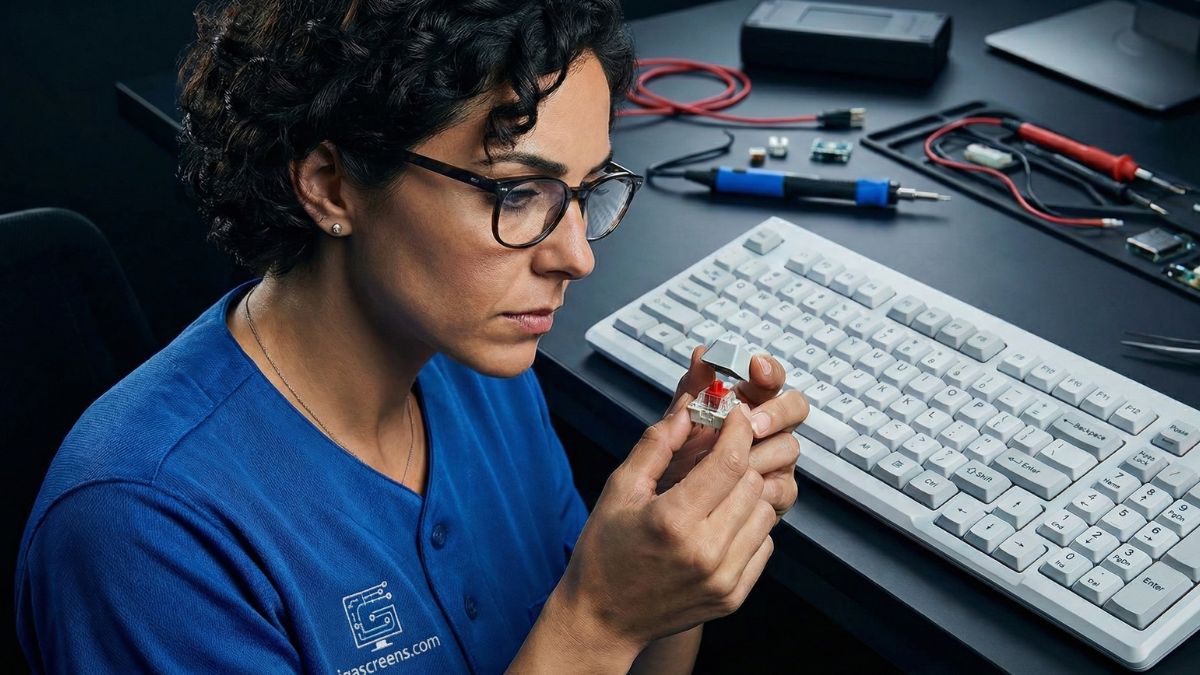
A core comparison of what you actually get for your money when stepping down to entry-level mechanical.
- Inconsistent Feel: When I test these boards, I often find a wide variance in actuation force key-to-key. This is a sign of poor quality control, which can be detrimental in competitive gaming.
- Stabilizer Nightmare: The stabilizers (for the larger keys like Spacebar, Shift, and Enter) are often cheap and rattly. This ruins the premium feel and adds unnecessary noise bloat.
- Durability vs. Lifespan: Yes, a good mechanical switch is rated for 50+ million clicks. But if the PCB, cable, or case is low-quality, the entire unit fails long before the switch hits its click limit. A reliable membrane board can often outlast a poorly-built mechanical one.
The Underestimated Membrane: When Budget Doesn’t Mean Bad
A great budget membrane keyboard focuses on what matters: **consistency** and **robustness**. Manufacturers who specialize in membrane technology can perfect the rubber dome to offer a satisfying, consistent resistance that mimics a linear mechanical switch.

A decent membrane board will always prioritize reliability over the ‘click’ gimmick.
For gamers, the non-negotiable feature is **anti-ghosting** (N-Key Rollover or NKRO). A high-end membrane board will offer full NKRO across the critical gaming cluster (WASD, Ctrl, Shift, Space), meaning every key press registers even if you’re holding down several others—a feature often overlooked or poorly implemented on the cheapest mechanical boards.
If you’re upgrading other parts of your setup, it’s worth seeing my guide on Best 1440p 144Hz Monitor Under $300, and understanding the storage for Frugal Setups. Optimization is all about the holistic picture!
My Long-Term Value Verdict
My recommendation is clear: **Fix it before you buy it**—meaning, address the biggest bottleneck in your setup first. If you’re on a tight budget and your current keyboard is dead, buy the highest-rated, low-latency, full anti-ghosting membrane keyboard you can find. It’s the pragmatic choice.
Wait until you can afford a true mid-range mechanical keyboard (with proven switches and better build quality) rather than settling for the bottom-tier mechanical boards today. You’ll avoid buyer’s remorse, and you’ll get a more consistent, bloatware-free gaming experience right now.

Focus on performance; the ‘click’ is a distraction if the quality isn’t there.
Frequently Asked Questions (FAQ)
Is a membrane keyboard fast enough for competitive gaming?
Yes, absolutely. The difference in latency between a modern, high-quality membrane keyboard and a mechanical keyboard is negligible for 99% of gamers. Focus on low-latency USB connection (1000Hz polling rate) and reliable anti-ghosting/NKRO. Your monitor’s refresh rate and response time will be a much bigger factor in competitive performance.
What is anti-ghosting and why does it matter on budget keyboards?
Anti-ghosting prevents “ghost” key presses—where a key registers even though you didn’t press it—and ensures that simultaneous key presses (like running, jumping, and reloading) all register correctly. It’s crucial because cheap boards often limit simultaneous inputs, causing your commands to fail during fast action.
What is the minimum lifespan (in clicks) I should look for?
A good membrane switch is rated for 5-10 million keypresses, which is more than enough for years of heavy gaming. A mechanical switch is often 50 million. However, I prioritize the *overall build quality* of the keyboard over the switch rating. A robust 10-million-click membrane board is a better long-term investment than a poorly built 50-million-click mechanical board.

