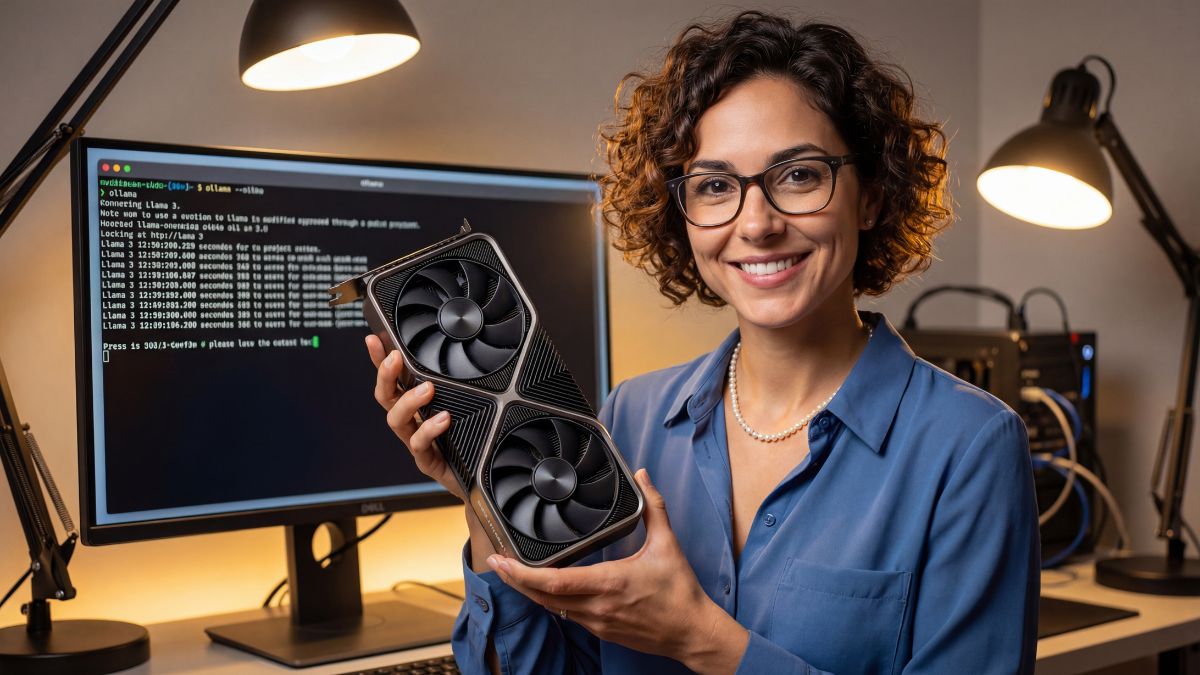
The VRAM Reality: Why 8GB Failed
I’ve written before about how 8GB VRAM is struggling in gaming, but for Local LLMs, 8GB is effectively dead. To run a decent model like Llama 3 8B at a usable speed, you need to fit the entire model plus the context window (the conversation history) into video memory.
If you overflow into system RAM, your token generation drops from “reading speed” to “teletype speed.” That is why 16GB is the new entry-level standard for anyone serious about local AI. It allows you to run quantized 13B models or 8B models with massive context windows.
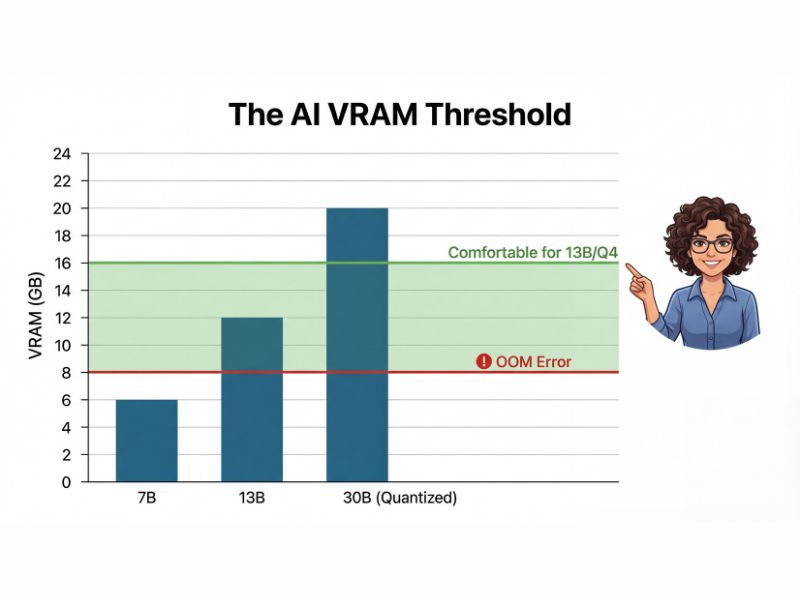
Here is the math: 8GB gets you a chatbot; 16GB gets you a brain.
The Unloved Hero: RTX 4060 Ti 16GB
This card gets a bad rap in the gaming community because of its price-to-performance ratio in rasterization. But I judge hardware by how well it solves a specific problem. For AI, the RTX 4060 Ti 16GB is a unicorn: it’s the cheapest way to get 16GB of CUDA-compatible VRAM on the market.
With this card, I’ve successfully run:
- Llama 3 8B (Q8 Quant): Blazing fast.
- Mistral 7B (Unquantized): perfectly smooth.
- Stable Diffusion XL: Generates images in seconds.
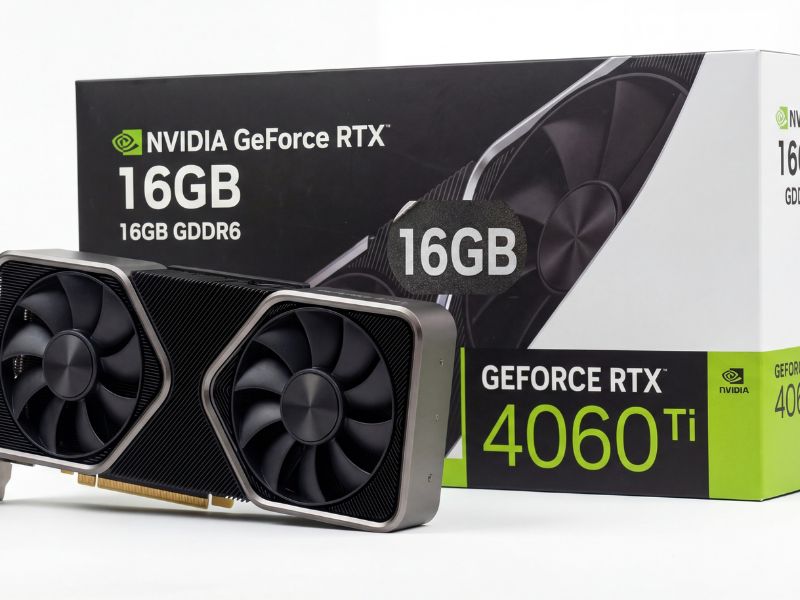
It’s the card gamers love to hate, but for local AI, it is the undisputed value king.
The Used Market Wildcard
If you aren’t afraid of the used market, the NVIDIA RTX 3090 (24GB) is the true king. You can often find them for $700-$800. However, be warned: they run hot and consume massive power. If you go this route, check my guide on fixing GPU thermal throttling because used 3090s often have dried-out memory pads.
What about AMD? The RX 7600 XT has 16GB for cheap, but I cannot recommend it for beginners. Getting ROCm to play nice with Python libraries is still a hobby in itself. Stick to NVIDIA (CUDA) if you want to spend your time using AI, not debugging drivers.
The Pragmatic Verdict
For a brand-new, warranty-backed card that sips power and fits in any case, the RTX 4060 Ti 16GB is my choice. It’s efficient, it supports the entire CUDA ecosystem, and it hits that magical 16GB buffer that unlocks the world of open-source AI.
Local AI FAQ
Is 16GB VRAM enough for Llama 3 70B?
Technically yes, but only with heavy quantization (Q2/Q3) or by offloading layers to your system RAM, which drastically slows down generation speed. 16GB is ideal for 8B or 13B models.
Why not buy an AMD card with 16GB VRAM?
While AMD hardware is powerful, the CUDA software ecosystem is still far superior for AI. Getting ROCm to work on Windows often requires more troubleshooting than the actual AI project is worth for most users.

