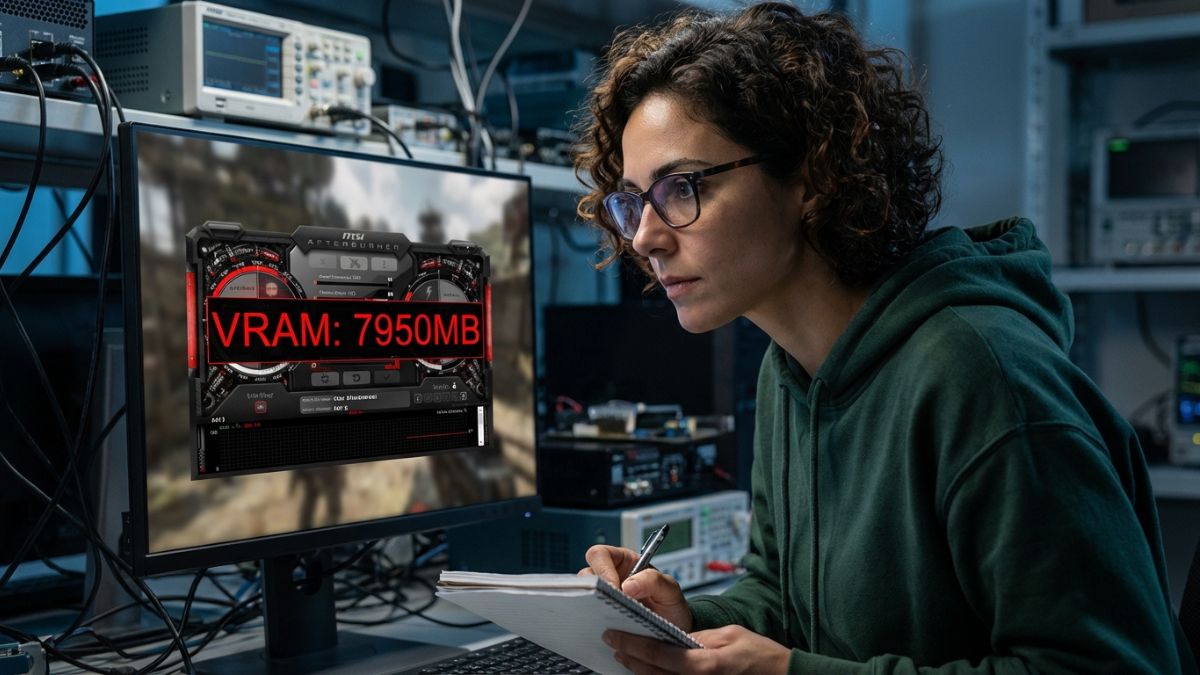
The “VRAM Wall”: Why It’s Happening Now
I’ve tested hundreds of cards, and the trend is undeniable: developers are optimizing less and relying on raw hardware power more. Recent AAA launches have proved that 8GB is the absolute floor for modern entry-level gaming. If you own a card like the RTX 3070 or RX 6600, you aren’t obsolete, but you have been evicted from the “Ultra Settings” club.
The issue isn’t raw speed—your chip is likely fast enough. The issue is capacity. When that 8GB fills up, data spills over into your system RAM, which is significantly slower. That’s why you get that sickening “hitch” or stutter when turning a corner in-game.
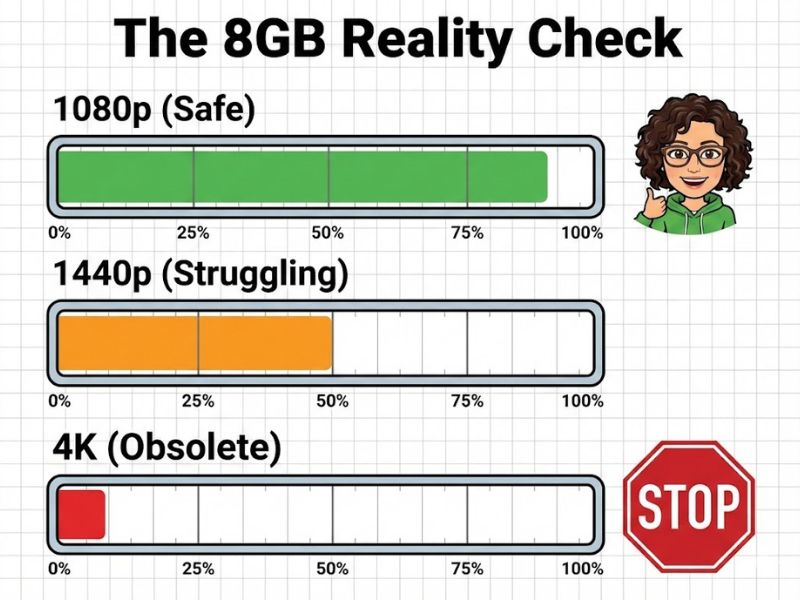
8GB isn’t dead, but it has been evicted from the “Ultra” neighborhood.
The “Fix”: Settings You Must Change
Before you panic-buy a new card, let’s optimize what you have. I refuse to let marketing pressure you into an upgrade you don’t need yet.
- Texture Quality: This is the VRAM hog. Drop it from Ultra to High. In 90% of games, you won’t notice the visual difference while moving, but you will notice the stutter disappearing.
- Ray Tracing: Turn it off. Ray tracing requires massive amounts of VRAM for BVH structures. On an 8GB card, it’s a death sentence for performance.
If you are looking to buy a cheap stop-gap solution, check out my guide on the best budget graphics card under $150 which manages expectations perfectly for its price.
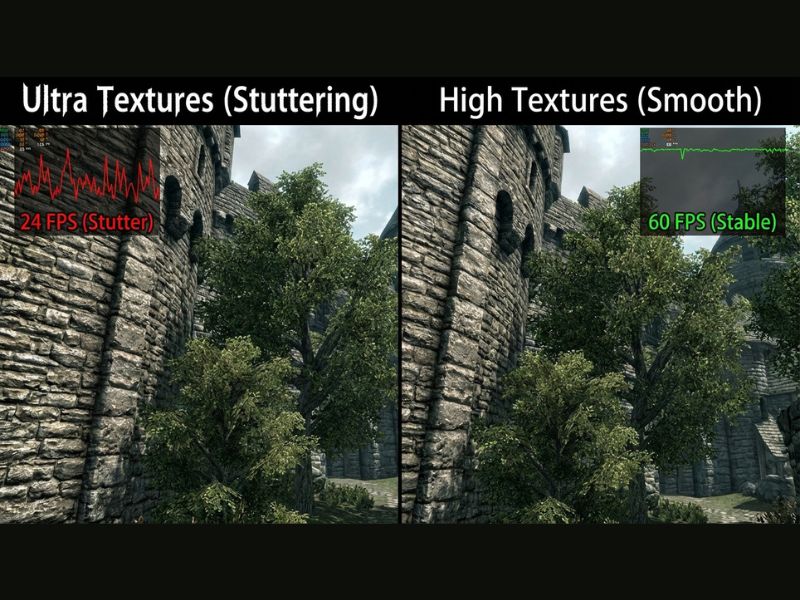
Dropping textures from Ultra to High is the single most effective way to stop the stutter without looking at a potato.
Upscaling: Your VRAM’s Best Friend
If you’re hitting the wall, use DLSS (for NVIDIA) or FSR (for everyone else). By rendering the game at a lower internal resolution (say, 720p) and upscaling it to 1080p, you reduce the VRAM footprint of the frame buffer. It’s a free performance boost. For those buying used, ensure you know how to buy a used GPU without getting scammed to get a card with more memory next time.
Do You Need To Keep or Upgrade Your 1080p Card?
If you are a 1080p gamer, keep your 8GB card. It has plenty of life left if you manage your settings correctly. If you are trying to push 1440p, it’s time to look at 12GB or 16GB cards. Efficiency is about using the right tool for the job, and 8GB is no longer the tool for high-resolution textures.
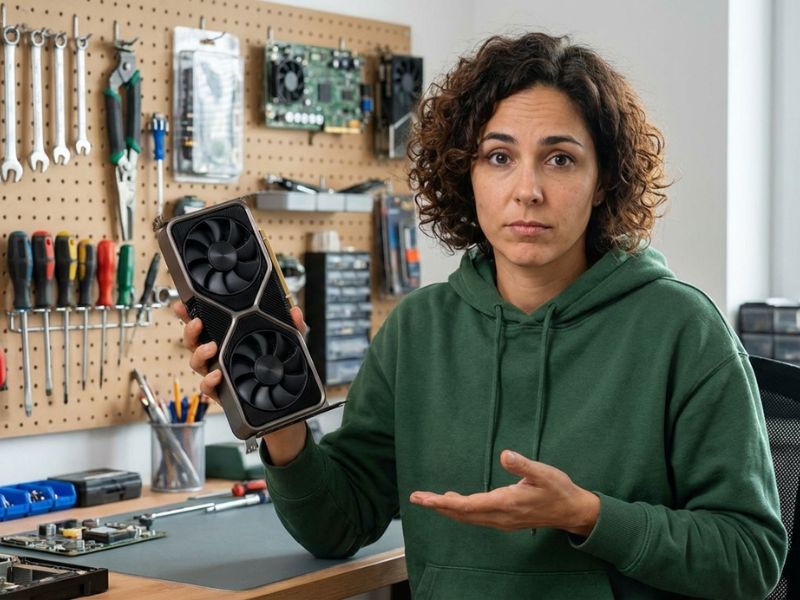
Don’t throw this card away yet; just stop trying to force it to run modern games at outdated settings.
VRAM Common Questions
Why do games stutter even with high FPS?
This is often a VRAM bottleneck. When your GPU runs out of video memory, it has to fetch data from your slower system RAM (DDR4/DDR5), causing massive latency spikes that register as “stutter” despite high average framerates.
Does lowering resolution fix VRAM issues?
Yes, but lowering Texture Quality is more effective. Resolution impacts the frame buffer, but textures consume the bulk of VRAM. Drop textures from “Ultra” to “High” first.

