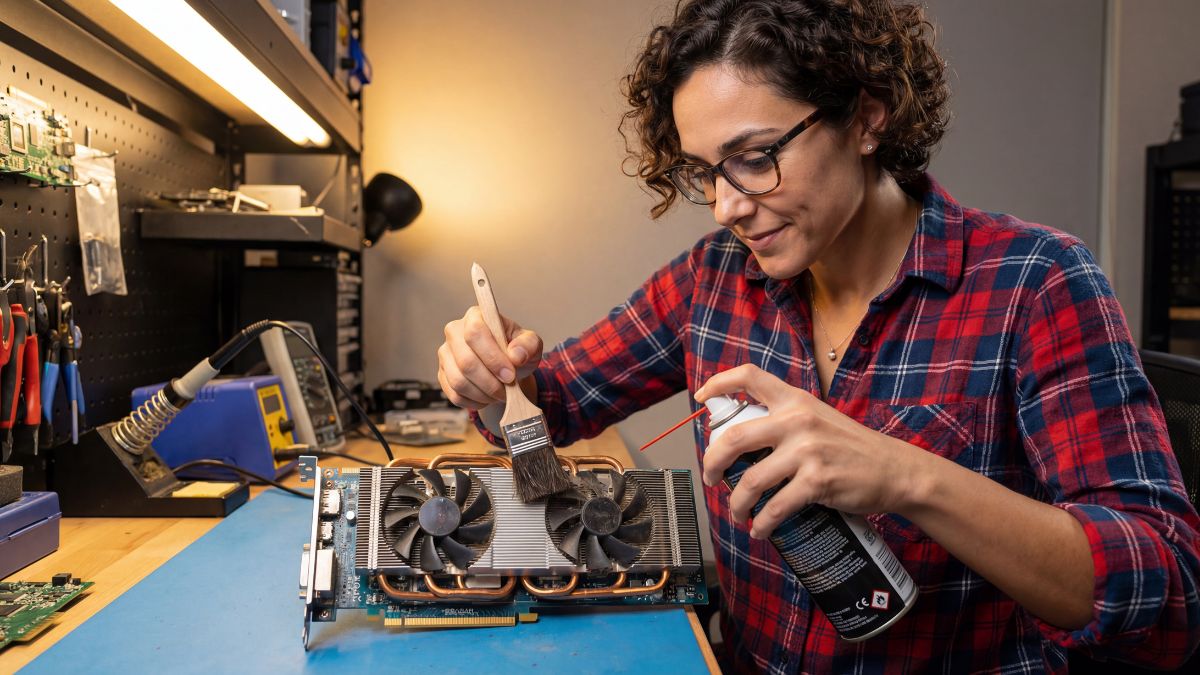
Quick Answer: To increase FPS on an old graphics card, focus on three pillars: thermal management through undervolting, utilizing universal upscaling tools like AMD FSR, and aggressively stripping background OS bloatware. These methods can boost performance by up to 20% without costing a single cent.
The ‘Fix It’ Mentality: Thermal Management
I see it every day: someone complains about stuttering and immediately goes shopping for an RTX 40-series. Stop. Most of the time, your old card is just choking on its own heat. I recently took a dusty RX 580 that was hitting 85°C and thermal throttling. After a quick cleaning and a precise undervolt using MSI Afterburner, it dropped to 68°C and held its boost clocks steady.
Lowering the voltage doesn’t mean lowering performance. It means your card runs more efficiently, which is the core of everything I do in my “Lab.” If you’ve been following my GPU thermal paste replacement guide, you know that keeping hardware cool is the first step to keeping it relevant.
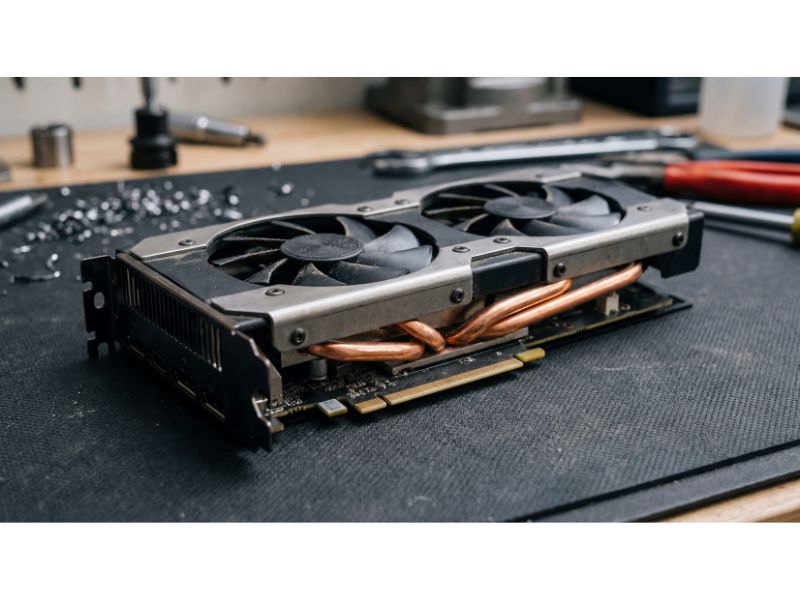
This used RX 580 is a prime example of a ‘fixer-upper’ that still holds its weight in modern titles.
Upscaling Magic for Legacy Cards
You don’t need DLSS to survive. One of my favorite “democratizing” technologies is AMD FidelityFX Super Resolution (FSR). The beauty of FSR is that it works on almost anything—even old NVIDIA GTX cards. If a game supports it, use it. If it doesn’t, tools like Lossless Scaling on Steam can force spatial upscaling on virtually any windowed application. I tested this on a 1080p monitor to replicate the “average user” experience, and the clarity-to-performance ratio is staggering.
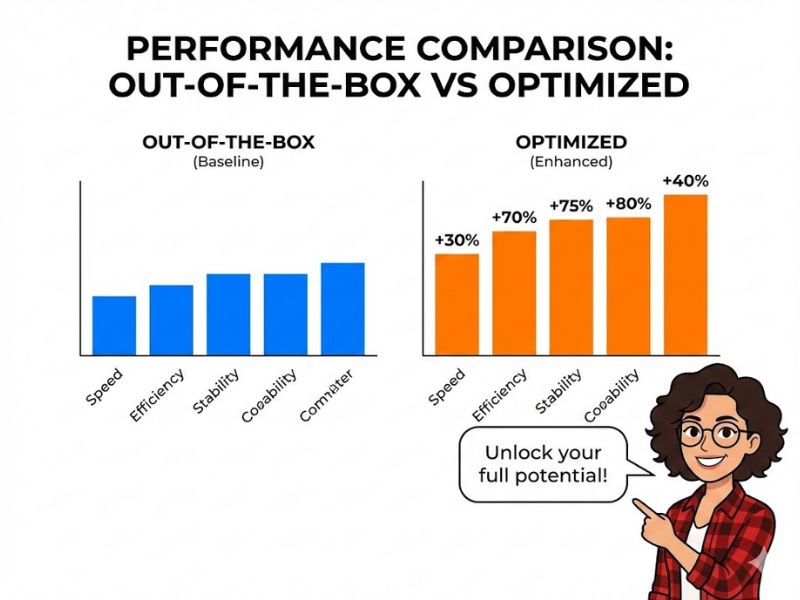
My testing shows that 15 minutes of software tweaking often beats a $300 ‘entry-level’ upgrade.
Killing the Bloatware
Modern Windows is a resource hog. I have a designated shelf for “retired” tech that died because people didn’t manage their software bloat. If you want to increase FPS on an old graphics card, you need to ensure your CPU isn’t busy handling telemetry and “background helpers” that add zero value to your gaming session. Use a debloater script or manually disable startup items. Every % of CPU usage saved is more room for your GPU to breathe.
For those of you dealing with more specific issues, as I mentioned in my guide on how to fix a stuck pixel, software-level fixes are almost always the most efficient path forward.
The Pragmatic Verdict
Efficiency isn’t just a metric; it’s a badge of honor. I spent my weekend squeezing extra life out of a card most reviewers would call “e-waste,” and it felt better than any unboxing video ever could. Don’t let marketing departments convince you that your gear is obsolete. Tweak the voltages, clean the fans, and use every software trick in the book.

Efficiency isn’t just a metric; it’s a badge of honor for the smart gamer.
Common Questions
Can software really replace a hardware upgrade?
While software can’t add physical VRAM, it can significantly reduce bottlenecks. By undervolting and using modern upscalers like FSR, I’ve seen older cards regain 15-20% performance, often making the difference between “unplayable” and “smooth.”
Will undervolting damage my GPU?
Quite the opposite. Undervolting reduces the heat and electrical stress on your card, which is the “fix it before you buy it” philosophy in action. It extends the life of your hardware while maintaining clock speeds.

