
Your graphics card throttling isn’t a death sentence; it’s a cry for help. I’ve diagnosed hundreds of “broken” GPUs that were simply suffocating in their own heat. Before you panic and buy a new card, realize that 90% of thermal issues are caused by bad hygiene or bad default software settings, both of which cost zero dollars to fix.
1. The Physical Purge (Dust & Airflow)
Thermal throttling is almost always a physical problem first. If your heatsink fins are clogged with dust, your fans are just pushing hot air against a wall. Open your case. If you see a grey carpet on your components, that’s your insulator.
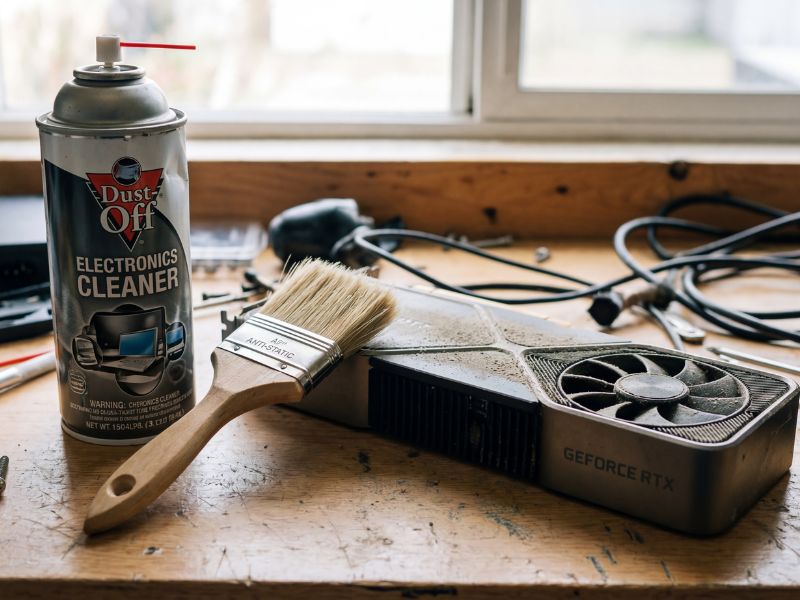
“This $5 can of air is more effective than a $100 case fan upgrade.”
I recommend blasting the GPU heatsink with compressed air while holding the fans in place (don’t let them spin freely, or you can damage the bearings). While you’re in there, ensure you have decent airflow. I often see people shoving their PC into a cabinet—don’t do that. Hardware needs to breathe just like you do. For more information on keeping your gear pristine, see our guide on the free PC optimization software.
2. Aggressive Fan Curves
Factory fan curves are tuned for silence, not performance. Manufacturers are terrified of bad reviews complaining about noise, so they let the card cook at 80°C with the fans only spinning at 40%. That is inefficient.
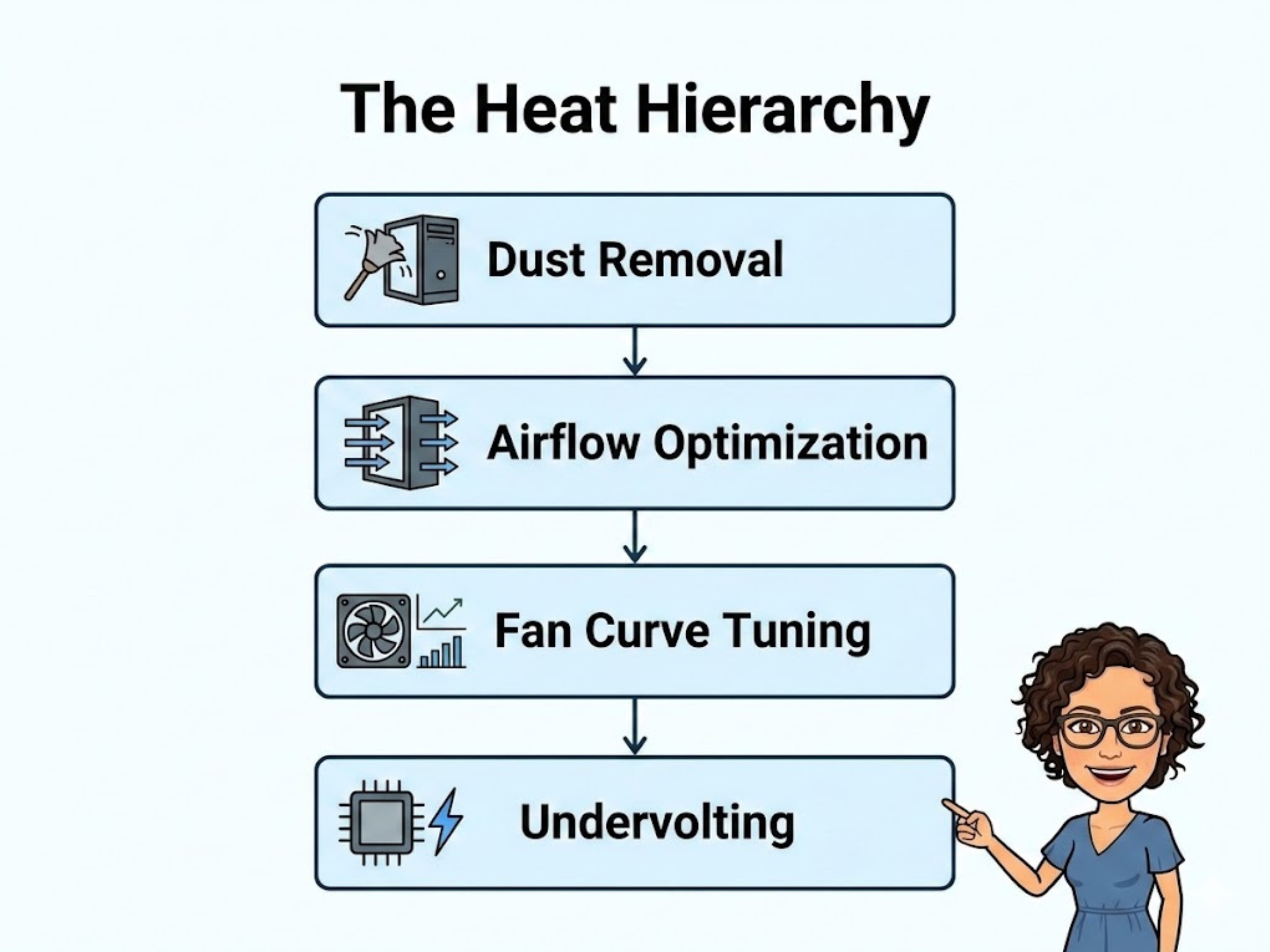
“Follow this hierarchy before you panic-buy a water block.”
Download software like Fan Control or MSI Afterburner. I set my personal rigs to hit 100% fan speed at 75°C. Is it louder? Yes. Does it prevent my silicon from degrading? Absolutely. You can learn more about tuning your fan in my custom fan curve setting guide.
3. Undervolting: The Magic Bullet
This is where the pros separate themselves from the amateurs. Undervolting is the process of telling your GPU to run at the same clock speed but with less electrical voltage. Less voltage means significantly less heat.
I recently tested an RTX 3080 that dropped from 83°C to 71°C just by lowering the voltage by 100mV, with zero loss in FPS. It’s free performance. Do not be afraid of the voltage curve editor; it is the single most powerful tool for temperature management.

“Undervolting is the secret weapon of the efficiency expert.”
Thermal FAQ
What temperature is too high for a GPU?
Generally, anything consistently above 85°C is concerning and will likely cause thermal throttling (downclocking). 90°C+ is the danger zone where you should stop gaming immediately.
Does high temperature damage the GPU?
Modern cards have safety mechanisms to shut down before melting, but running at high temps (80°C+) for years will degrade the silicon and dry out the thermal paste faster, reducing the card’s lifespan.

