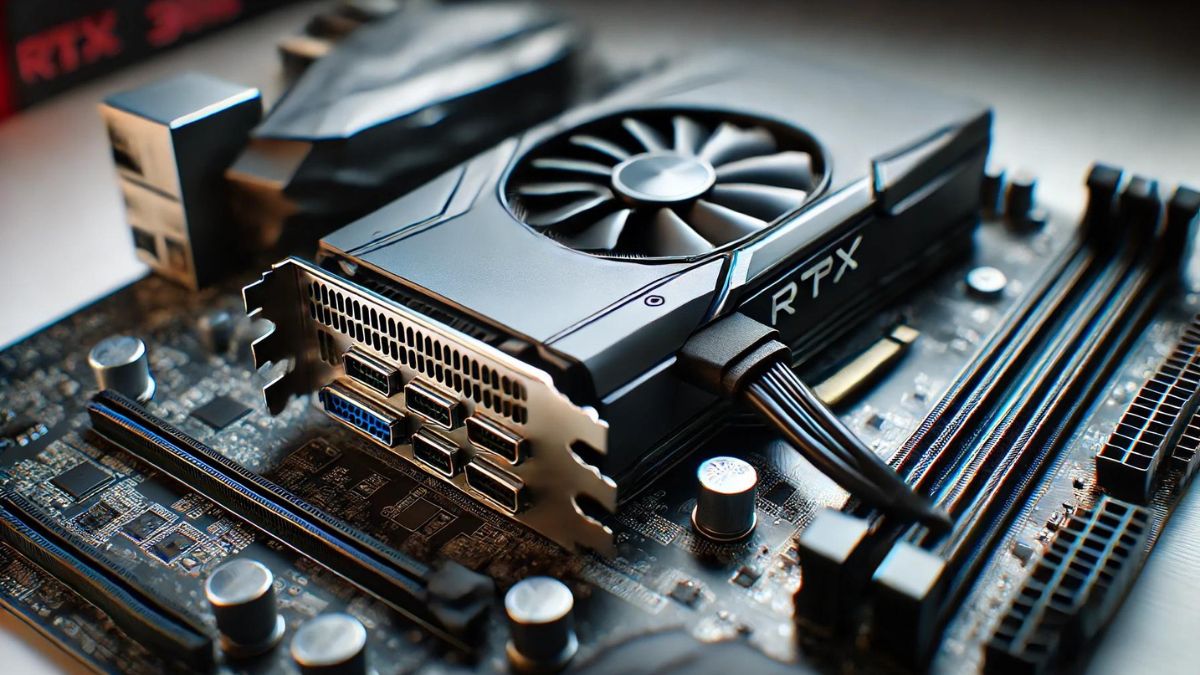
Have you ever wondered how your PCIe 3.0 configuration could impact the performance of your RTX 30 Series graphics card? In this article, we will explore how the PCIe 3.0 interface affects the overall speed and efficiency of these powerful GPUs. By examining real-world benchmarks and test results, you will gain a better understanding of how this crucial component can enhance or hinder the performance of your gaming rig. So sit back, relax, and get ready to dive into the fascinating world of PCIe 3.0 and the RTX 30 Series.
Understanding PCIe 3.0
So, you might be wondering, what exactly is PCIe 3.0? PCIe stands for Peripheral Component Interconnect Express, and it is a high-speed interface that connects various components in your computer, such as the graphics card, sound card, and storage devices. PCIe 3.0 is the third generation of this interface, offering faster speeds and improved performance compared to previous versions.
Enhancements in PCIe 3.0
PCIe 3.0 brought several enhancements over its predecessor, PCIe 2.0. One of the most significant improvements is the increase in data transfer rates. PCIe 3.0 doubles the bandwidth of PCIe 2.0, allowing for faster communication between components. This increase in bandwidth can result in improved overall system performance, especially in tasks that require high data throughput, such as gaming and content creation.
The Basics of RTX 30 Series
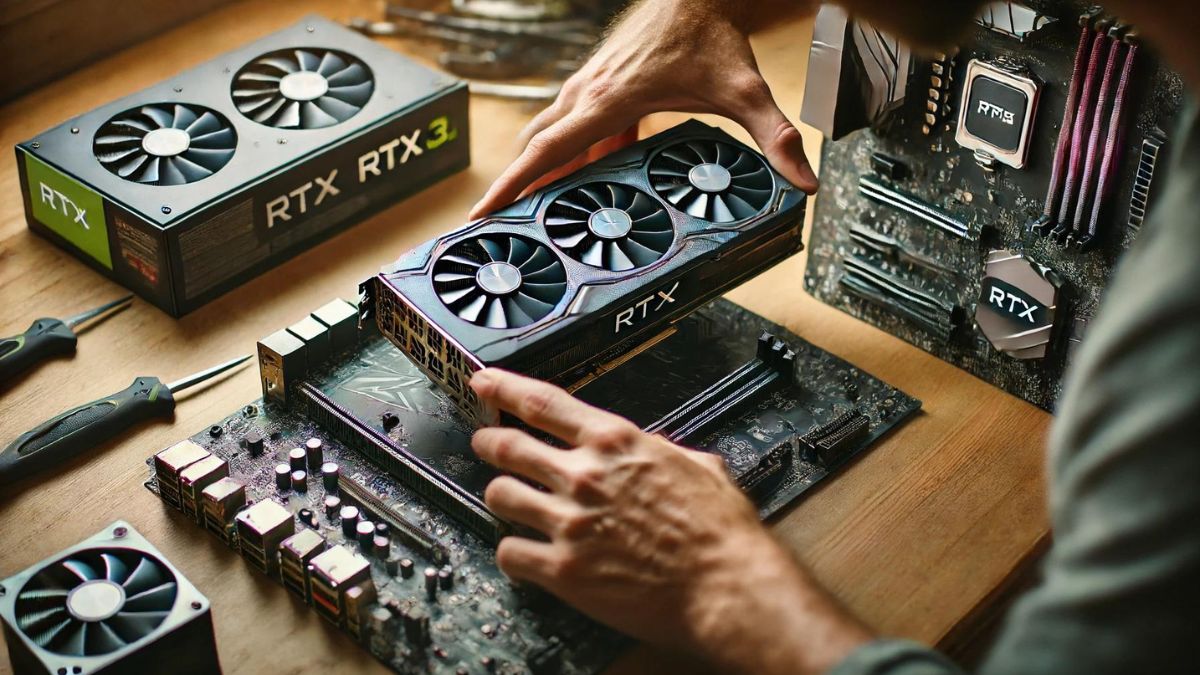 Now that we have a better understanding of PCIe 3.0, let’s delve into the RTX 30 Series from NVIDIA. The RTX 30 Series is the latest generation of graphics cards from NVIDIA, boasting significant performance improvements over the previous RTX 20 Series. These GPUs are designed for high-resolution gaming, ray tracing, and AI-enhanced applications, making them a top choice for gamers and content creators alike.
Key Features of RTX 30 Series
The RTX 30 Series GPUs are powered by NVIDIA’s Ampere architecture, which delivers impressive performance gains over the previous generation. Key features of the RTX 30 Series include:
- Ray tracing technology for realistic lighting and reflections
- AI-enhanced features for improved image quality and performance
- DLSS (Deep Learning Super Sampling) for higher frame rates without sacrificing visual quality
With these advanced features, the RTX 30 Series offers a significant performance boost in gaming and content creation applications.
Related:
Evaluating The 10 GB Memory Decision For The RTX 3080
Impact of PCIe 3.0 on RTX 30 Series Performance
Now, let’s discuss how the PCIe 3.0 interface can affect the performance of the RTX 30 Series graphics cards. While PCIe 3.0 offers impressive data transfer rates, it is essential to understand how this interface interacts with the GPUs to maximize performance.
Bandwidth Requirements
The RTX 30 Series GPUs have high bandwidth requirements, especially when running demanding games or applications. PCIe 3.0 provides ample bandwidth to meet these requirements, allowing the GPUs to communicate effectively with other components in the system. This ensures smooth gameplay and optimal performance in content creation tasks.
Bottlenecks and Limitations
While PCIe 3.0 offers sufficient bandwidth for most gaming and productivity tasks, there can be bottlenecks and limitations when running multiple high-speed components simultaneously. For example, if you have a high-performance NVMe SSD and a powerful RTX 30 Series GPU connected to the same PCIe bus, there may be contention for bandwidth, resulting in reduced performance for one or both components.
To mitigate these bottlenecks, consider using multiple PCIe lanes or upgrading to newer interfaces, such as PCIe 4.0, which offers higher data transfer rates and improved efficiency.
Testing and Benchmarks
To determine the impact of PCIe 3.0 on RTX 30 Series performance, various testing and benchmarks have been conducted by tech enthusiasts and reviewers. These tests measure frame rates, rendering times, and overall system performance under different PCIe configurations, such as x16, x8, and x4.
Based on these tests, the consensus is that PCIe 3.0 x16 provides the best performance for RTX 30 Series GPUs, offering sufficient bandwidth for demanding gaming and content creation tasks. However, there is minimal performance loss when running the GPUs at lower PCIe configurations, such as x8 or x4, making PCIe 3.0 a viable option for most users.
Optimizing Your PCIe Configuration
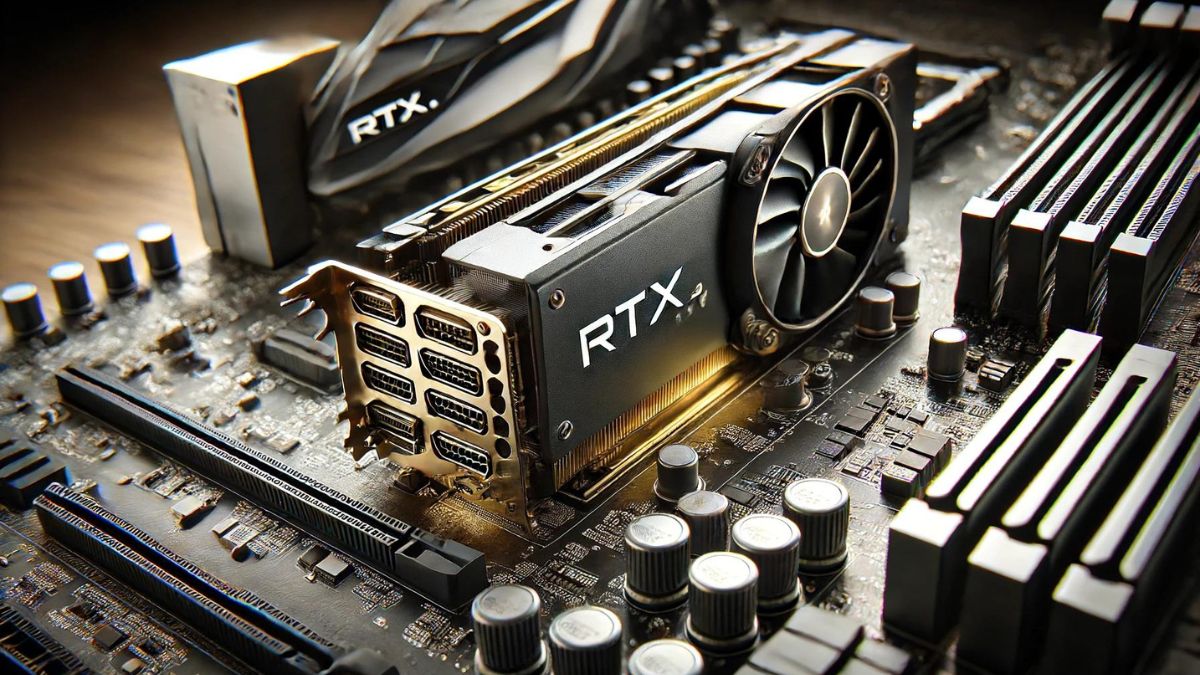 Now that we understand the impact of PCIe 3.0 on RTX 30 Series performance, let’s explore ways to optimize your PCIe configuration for maximum efficiency and performance.
GPU Placement
When installing your RTX 30 Series GPU, consider the placement of the card in your motherboard’s PCIe slots. For optimal performance, make sure to install the GPU in a full-length PCIe x16 slot, which offers the maximum bandwidth for data transfer. Avoid using PCIe x8 or x4 slots unless necessary, as they may limit the performance of the GPU.
Avoiding Bandwidth Contention
To prevent bandwidth contention between high-speed components, consider spreading out your PCIe devices across different PCIe lanes. For example, if you have an NVMe SSD and a high-end sound card in addition to your RTX 30 Series GPU, place each device in a separate PCIe slot to avoid conflicts and maximize performance.
Upgrading to PCIe 4.0
If you find that your PCIe 3.0 configuration is limiting the performance of your RTX 30 Series GPU, consider upgrading to PCIe 4.0. PCIe 4.0 offers double the bandwidth of PCIe 3.0, allowing for faster data transfer rates and improved overall system performance. Keep in mind that you will need a compatible motherboard and GPU to take advantage of PCIe 4.0’s benefits.
Updating Drivers and Firmware
In addition to optimizing your PCIe configuration, regularly update your GPU drivers and motherboard firmware to ensure compatibility and maximize performance. NVIDIA frequently releases driver updates that improve system stability, performance, and compatibility with the latest games and applications. Similarly, motherboard manufacturers release firmware updates that address compatibility issues and enhance overall system performance.
Final Thoughts
In conclusion, the impact of PCIe 3.0 on RTX 30 Series performance is significant, with the interface providing ample bandwidth for demanding gaming and content creation tasks. By understanding the basics of PCIe 3.0, optimizing your PCIe configuration, and staying updated with the latest drivers and firmware, you can ensure that your RTX 30 Series GPU delivers top-notch performance in all your favourite games and applications. Remember, a well-optimized system leads to a seamless and enjoyable gaming experience.