
Are you wondering how to complete the Icebreaker DMZ mission in Warzone? The latest season of DMZ in Warzone comes with an exciting new mission. An enigmatic faction known as Phalanx appears within the Dutch city of Vondel. However, this faction doesn’t readily invite you to join; you must accomplish a series of tasks, including the icebreaker mission, to unlock access to this new faction and reap various rewards such as exploring Vondel and Al Mazrah, gathering data, and discreetly uploading it to a confidential source. In this guide, I’ll walk you through how to complete the Icebreaker DMZ mission in Warzone successfully.
Completing the Icebreaker Mission in DMZ
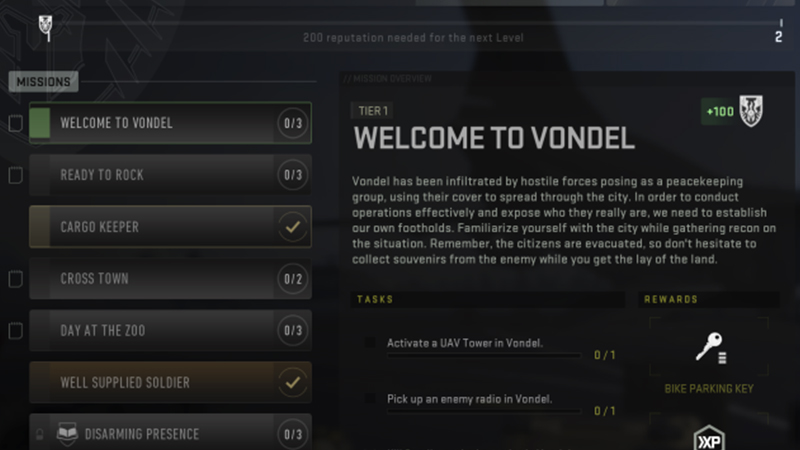
Image Source: Activision via Samosh Screenshot
- Head to the Vondel Zoo area and proceed to the building on the western side of the zoo.
- Locate the dead drop outside the building, containing a crucial introduction letter and a tracker.
- After obtaining these items, head north on the map to the university area.
- Look for the Phalanx dead drop near the gas station.
- Deposit the letter of introduction and tracker into the Phalanx dead drop.
How To Fix Icebreaker DMZ Not Working Error
Specific issues have surfaced with the DMZ mission in this Warzone season. One common complaint is that completed missions within DMZ fail to register as completed in the game’s progress tracker. Here are some steps to help resolve this issue:
Complete the Mission in One Session:
Attempt to finish the mission in a single session. This approach can circumvent a bug that arises when players exit the mission halfway and then attempt to resume from a saved point.
Restart the Game and Retry:
If you can’t complete the mission in one go and encounter issues with saved progress, try restarting the game and attempting the mission again. Although you might need to redo the mission, this could rectify the bug and allow you to save and continue later.
Related:
Scavenger Backpack DMZ Recipe
Check for Updates:
Keep your game up-to-date by installing the latest updates and patches. Many bugs can be resolved by ensuring your game is in the most updated version.
Verify Game Files:
Verifying game files is a helpful step in troubleshooting errors in Warzone. Corrupted or unverified files can lead to errors. You can verify your file integrity through the launcher or platform and replace any faulty files before restarting the game.
Warzone is available on PS4/PS5, Xbox and PC.
Resources: DotESports, XboxPlayGames, Samosh

